
BIG RIG LIL RIG Wiki
How to play
Desktop keyboard or mobile touch — landscape is recommended on phones.
Goal
Drive from the start pad to the checkered finish gate on each of the 15 courses. The catch: every course is built so that neither the big truck nor the small car can finish on its own — you have to morph between them at the right moments.
Desktop controls
- Accelerate: Up arrow or W
- Brake / reverse: Down arrow or S
- Steer: Left and Right arrows, or A and D
- Morph MEGA ⇄ MINI: Space
- Pause: P or Esc
Mobile controls
On-screen pedals steer and drive, and a dedicated button flips between MEGA and MINI. The game is built for landscape play, which gives the widest view of the track ahead.
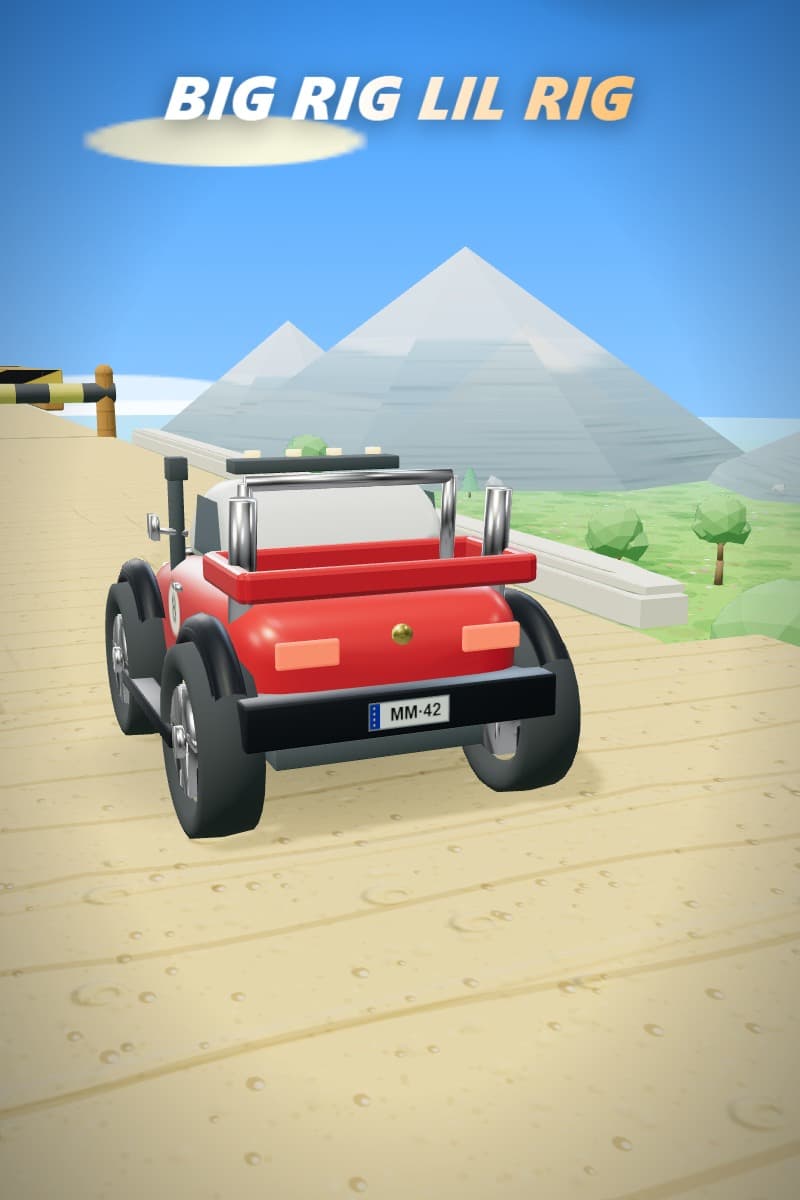
The morph is the whole game
Tap Space (or the on-screen button) to swap size at any time — even in mid-air. Big for power, small for access. Learning when to switch is the core skill, and later courses chain several morphs together.
Menu flow
- Pick a level from the level select, or continue from where you left off.
- Spend collected bolts and stars on paint jobs, exhaust trails, and roof toppers.
- Replay any cleared course to beat your best time.
For the full world guide and the morph reference, see Worlds & levels and MEGA & MINI.